
The EU GARAN label. Understand it. Apply it correctly.
The GARAN label supports harmonised consumer information about commercial guarantees of durability. The decisive factors are the applicable legal requirements, product-specific information and correct presentation in the relevant sales context.
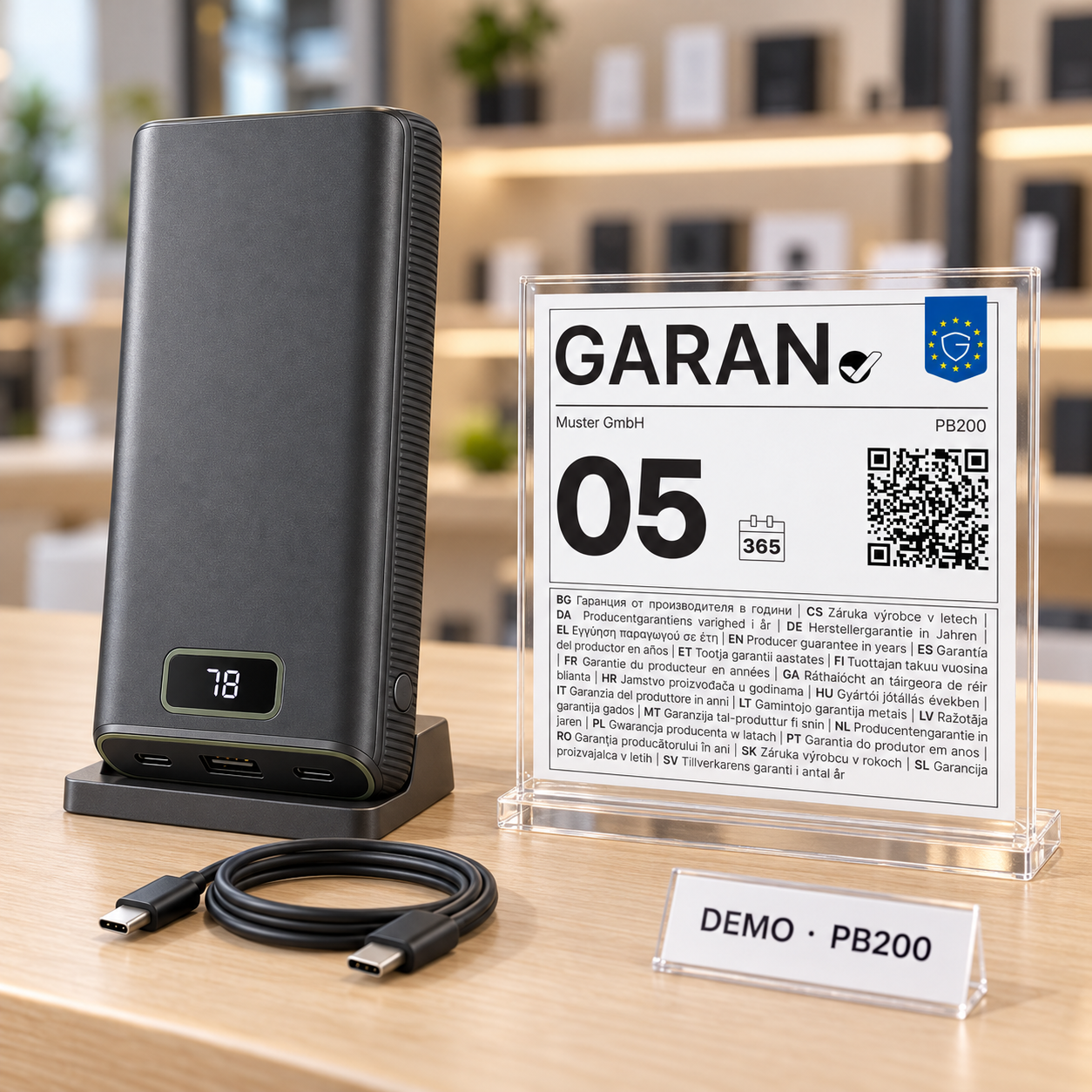
What the GARAN label identifies.
The harmonised label concerns commercial guarantees of durability under the applicable conditions. It does not replace statutory consumer rights or the assessment of whether the labelling requirements apply to a particular product.
Consumer information
The label presents selected information about a commercial guarantee of durability in a standardised form.
Clear identification
Manufacturer or brand, model and guarantee duration connect the information to the particular product.
Digital and physical
The label is used in the relevant sales context, for example online or at the point of sale.
GARAN goes beyond the screen.
Whether in an online shop, on suitable product packaging or at the point of sale, the information must be presented appropriately for the particular product.
Displayed in connection with the product being offered.
Physical labelling where the specific application calls for it.
Consumer information close to the relevant product.
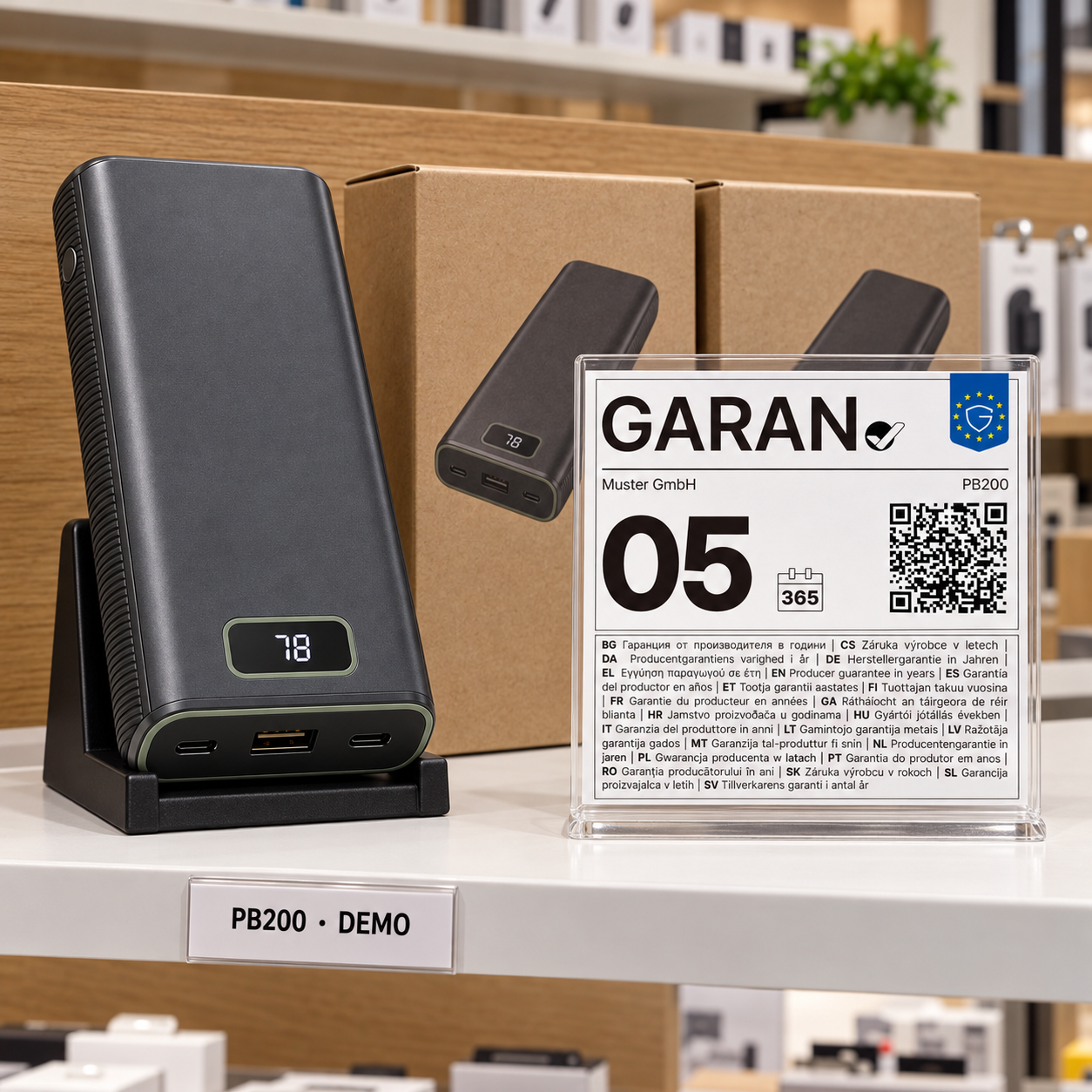

Three details. One product-specific label.
The prescribed structure of the GARAN label remains unchanged. BOXLAB Studio adds the designated product-related information.
Identifies the guarantor or relevant brand.
Helps identify the product concerned unambiguously.
Duration of the commercial guarantee of durability in years.
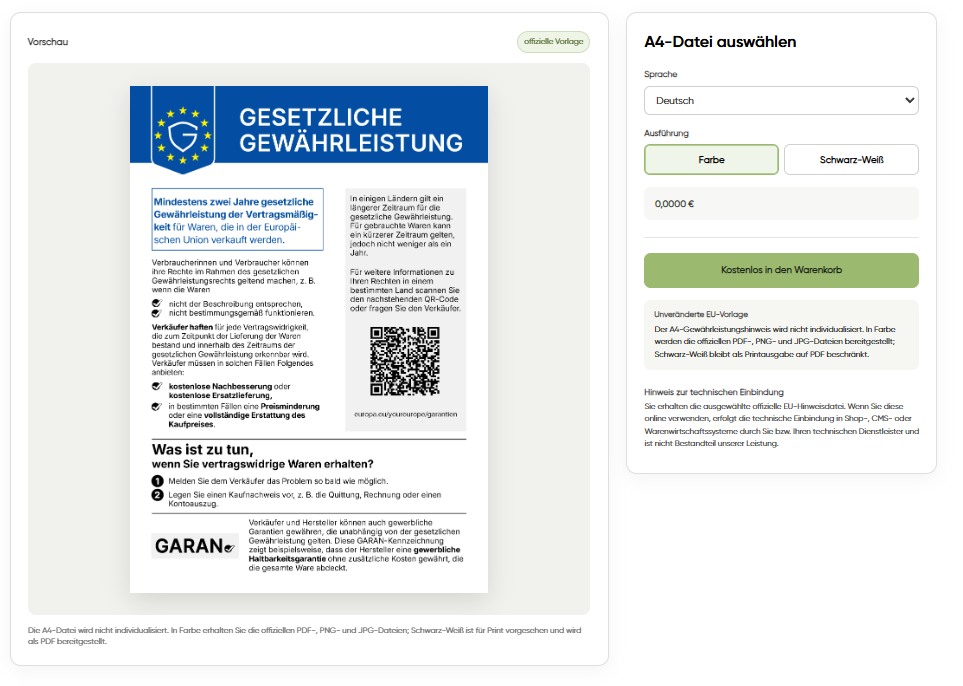
GARAN is not a statutory warranty notice.
A commercial guarantee of durability is distinct from statutory consumer rights. An accompanying notice about those rights serves a different purpose from the GARAN label.
Information about a commercial guarantee of durability where the relevant conditions are met.
Separate consumer information about statutory rights, which may be supplied independently.
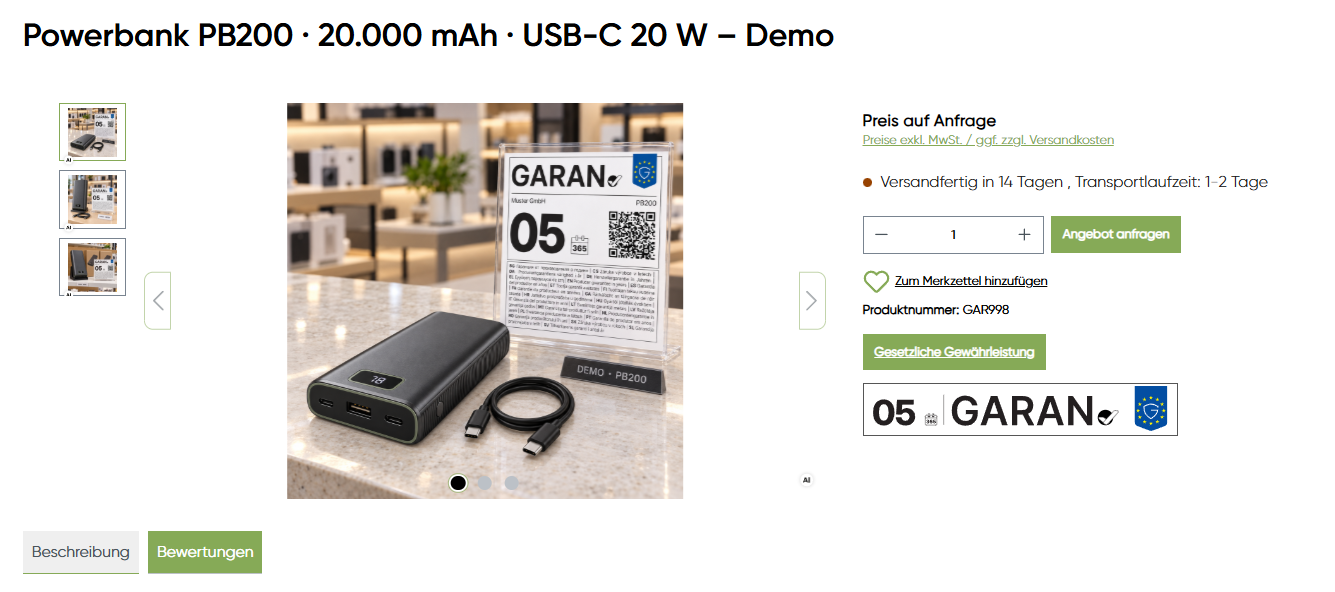
From the label to the product page.
For digital integration in Shopware 6, GARAN Connect associates compatible GARAN packages prepared in BOXLAB Studio with the relevant products.
Technically validate and import GARAN packages.
Link individual products or product ranges using CSV.
Display the nested view and full label in the product context.
Understand the rules. Choose the right format.
Depending on your needs, BOXLAB provides digital GARAN files, print-ready files and labels – plus GARAN Connect for integration with Shopware 6.
Create and purchase GARAN
Configure the appropriate format in BOXLAB GARAN Studio.
Visit GARAN Studio →GARAN Connect
Import compatible packages into Shopware 6 and assign them to products.
Explore Shopware integration →Turn knowledge into a practical solution.
Configure GARAN for your product and intended application or explore the Shopware 6 integration.
General information only. The legal requirements must be assessed in each individual case under the applicable rules.